
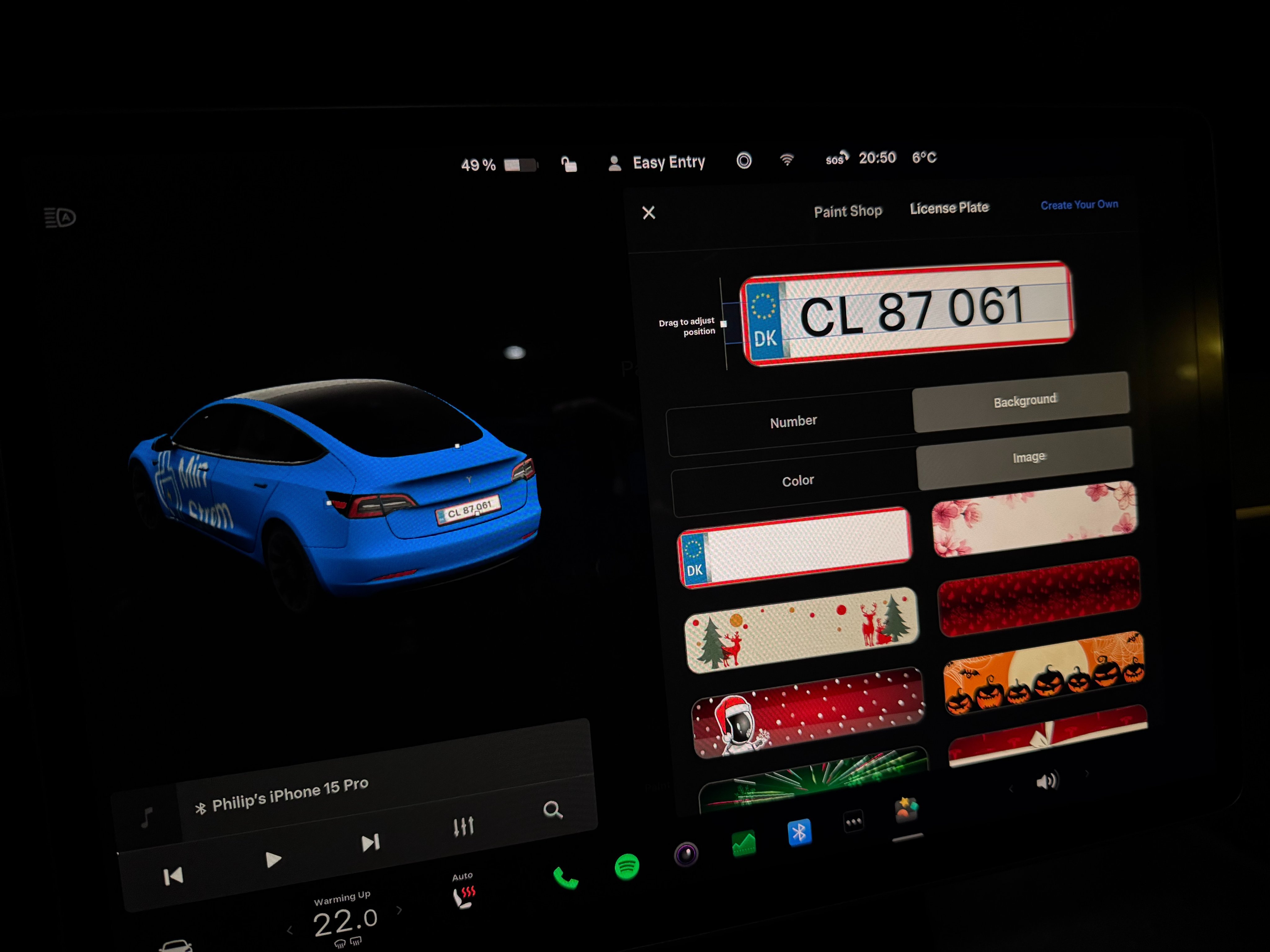
Tesla’s annual Holiday Update is always highly anticipated, and the 2025 edition (software version 2025.44.25.x) delivers a host of fun and practical features. One standout addition is the expanded Paint Shop in the Toybox, which now allows owners to customize their vehicle’s on-screen avatar with window tints, custom wraps, and – most excitingly for international owners – personalized license plates. This review dives deep into the license plate customization feature, with a special focus on community-created realistic EU templates that make your Tesla’s digital representation look authentically local.
Overview of the 2025 Tesla Holiday Update
The 2025 Holiday Update (starting with 2025.44.25.1) brings a mix of entertainment, navigation enhancements, and personalization tools. Key highlights include:
- Grok AI integration for navigation commands (beta)
- Tesla Photobooth for in-car selfies with filters
- Updated Santa Mode with new animations and lock chimes
- Enhanced Light Show with custom options
- Paint Shop: Custom wraps, tints, and license plates
- Navigation improvements like automatic HOV lane routing
- Supercharger site maps in 3D
- Various minor fixes and UI tweaks
While many features are fun seasonal additions, the Paint Shop expansion stands out for its long-term personalization value.
Introducing Paint Shop: Beyond Color Changes
Previously known as the Colorizer (for changing your car’s virtual paint job), Paint Shop has evolved significantly. Now accessible via Toybox > Paint Shop or Controls > Software, it allows:
- Preloaded wrap designs (patterns, textures, holiday themes)
- Window tint levels
- Custom license plate backgrounds and text
- Upload of user-created designs via USB
The license plate section is particularly innovative, displaying the customized plate on the rear of your vehicle’s avatar in the UI and Tesla app.
Technical Details of License Plate Customization
Tesla provides a dedicated License Plate editor with the following capabilities:
- Preloaded backgrounds: Holiday themes (e.g., Christmas trees, pumpkins, fireworks), solid colors, and patterns.
- Custom uploads: Create your own background images and load them via a USB drive.
- Text editing: Enter custom plate numbers/letters, adjust font color, and drag to position the plate precisely.
- Resolution and format: Images must be placed in a “LicensePlate” folder on a formatted USB drive (exFAT recommended). Recommended size is around 1024×512 pixels or similar for sharp rendering.
- Compatibility: Works on Model 3, Model Y, refreshed S/X, and Cybertruck (expanded from Cybertruck-exclusive in prior updates).
This feature uses the vehicle’s visualization engine (powered by Unreal Engine in newer updates) to render the plate realistically on the 3D model.
Community Innovation: Realistic EU License Plate Templates
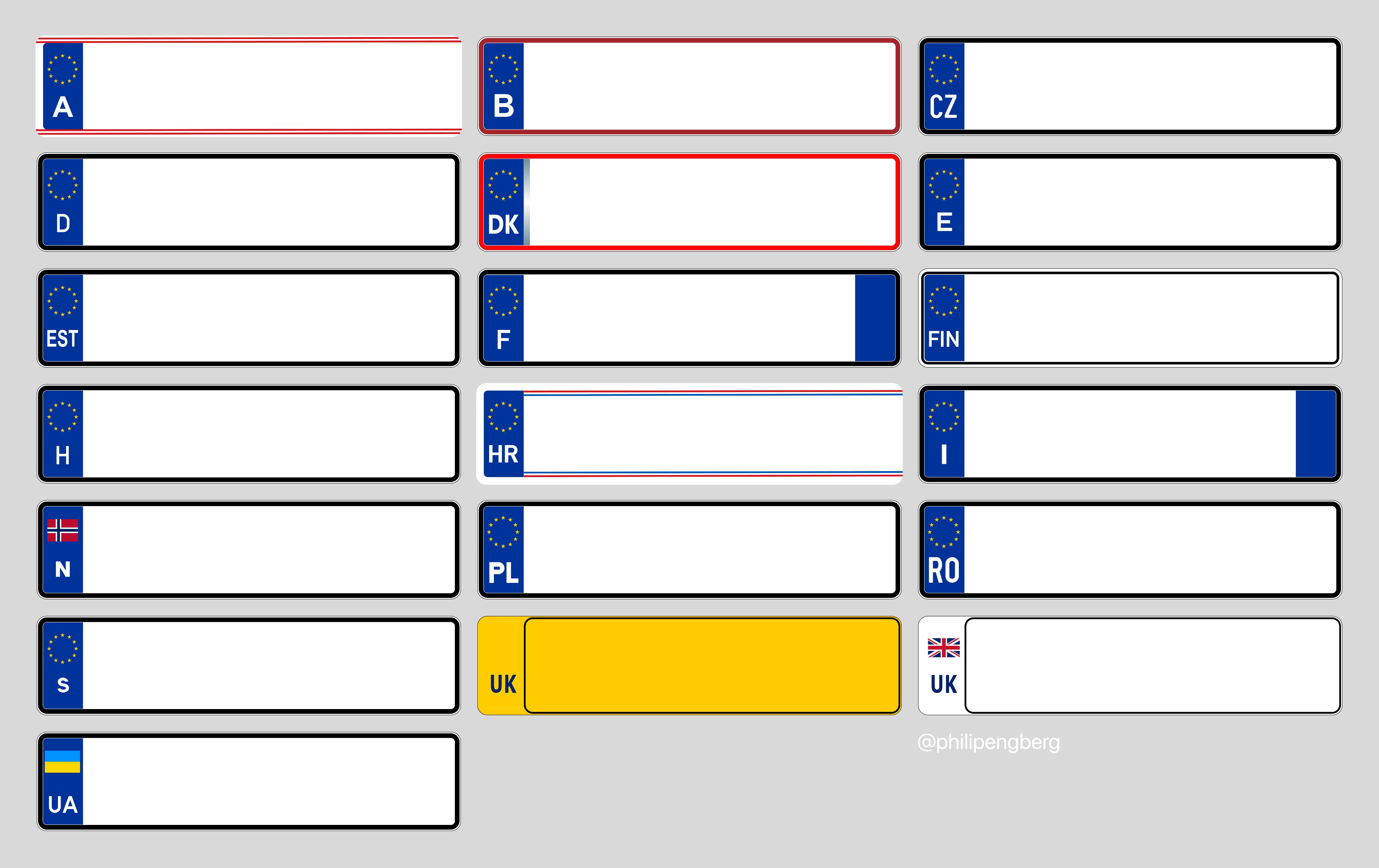
While Tesla’s preloaded options are fun, many European owners wanted plates that match their real-world registrations. Enter Philip Engberg (@philipengberg on X), a Danish Tesla enthusiast and founder of MinStrøm, who meticulously crafted custom background templates for numerous EU countries (and beyond).
His thread provides downloadable PNG templates designed specifically for the Paint Shop uploader, featuring accurate designs like EU blue strips, country codes, fonts, and borders.
Countries covered include:
- Austria (🇦🇹)
- Belgium (🇧🇪)
- Croatia (🇭🇷)
- Czech Republic (🇨🇿)
- Denmark (🇩🇰)
- Estonia (🇪🇪)
- Finland (🇫🇮)
- France (🇫🇷)
- Germany (🇩🇪)
- Hungary (🇭🇺)
- Italy (🇮🇹)
- Norway (🇳🇴)
- Poland (🇵🇱)
- Romania (🇷🇴)
- Spain (🇪🇸)
- Sweden (🇸🇪)
- UK (🇬🇧, including EV variants)
- Netherlands (🇳🇱)
- Switzerland (🇨🇭)
- Portugal (🇵🇹)
- And more (Ukraine, Turkey, Luxembourg, Ireland, Bulgaria, Greece)



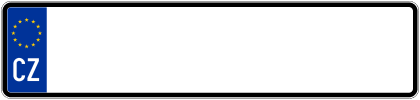







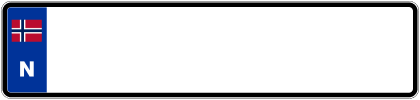






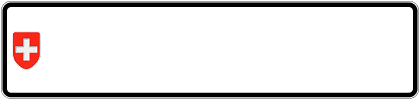


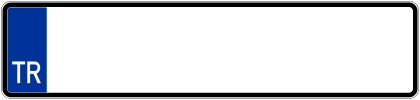




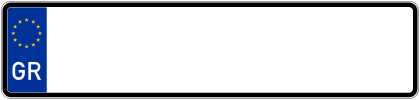



These templates elevate the feature from novelty to a genuinely useful personalization tool, making your Tesla’s screen avatar feel region-specific.
Step-by-Step Guide: Installing Custom EU License Plates
As shared by Philip Engberg:
- Download the desired background PNG template from the thread.
- Insert your Tesla Dashcam/Sentry Mode USB drive into your computer.
- Create a folder named exactly LicensePlate (case-sensitive).
- Place the PNG file inside this folder.
- Safely eject and re-insert the USB into your Tesla.
- Go to Toybox > Paint Shop > License Plate > Background > Select your custom image.
- Enter your real plate text, adjust color if needed, and drag to position perfectly.
Tips for best results:
- Use high-resolution templates to avoid pixelation.
- Match text color to your country’s standard (e.g., black on white/yellow).
- Test positioning – drag the plate overlay for accurate alignment.
Pros and Cons of the License Plate Feature
Pros
- Highly customizable with community support filling regional gaps.
- Fun way to match real-world vehicle appearance.
- Easy USB-based uploads – no hacking required.
- Enhances immersion in the Tesla app and UI visualizations.
Cons
- No official Tesla templates for most non-US plates yet.
- Requires USB preparation (minor inconvenience).
- Text limited to basic editing – no advanced fonts or emblems.
- Only affects digital avatar, not physical plate.
Conclusion: A Welcome Personalization Boost
The license plate customization in Tesla’s 2025 Holiday Update is a delightful addition that showcases the power of over-the-air updates and community creativity. Thanks to enthusiasts like Philip Engberg, EU owners can now enjoy realistic, country-specific plates that make their Tesla feel even more personalized. If you haven’t updated yet, check for 2025.44.25.x – this feature alone is worth the install.
Special thanks to @philipengberg for the incredible templates and detailed guide!